01. WHY WE STARTED
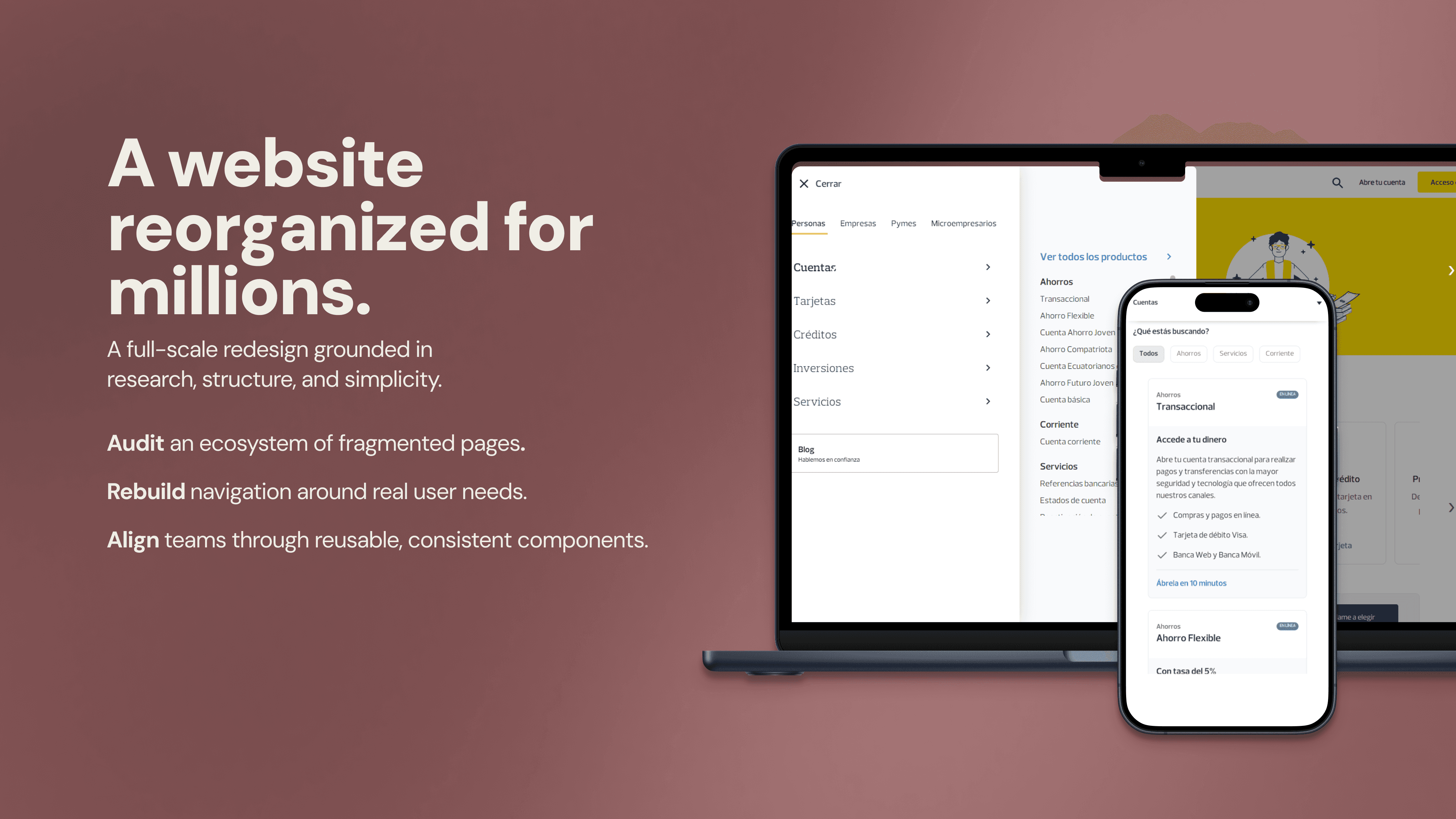
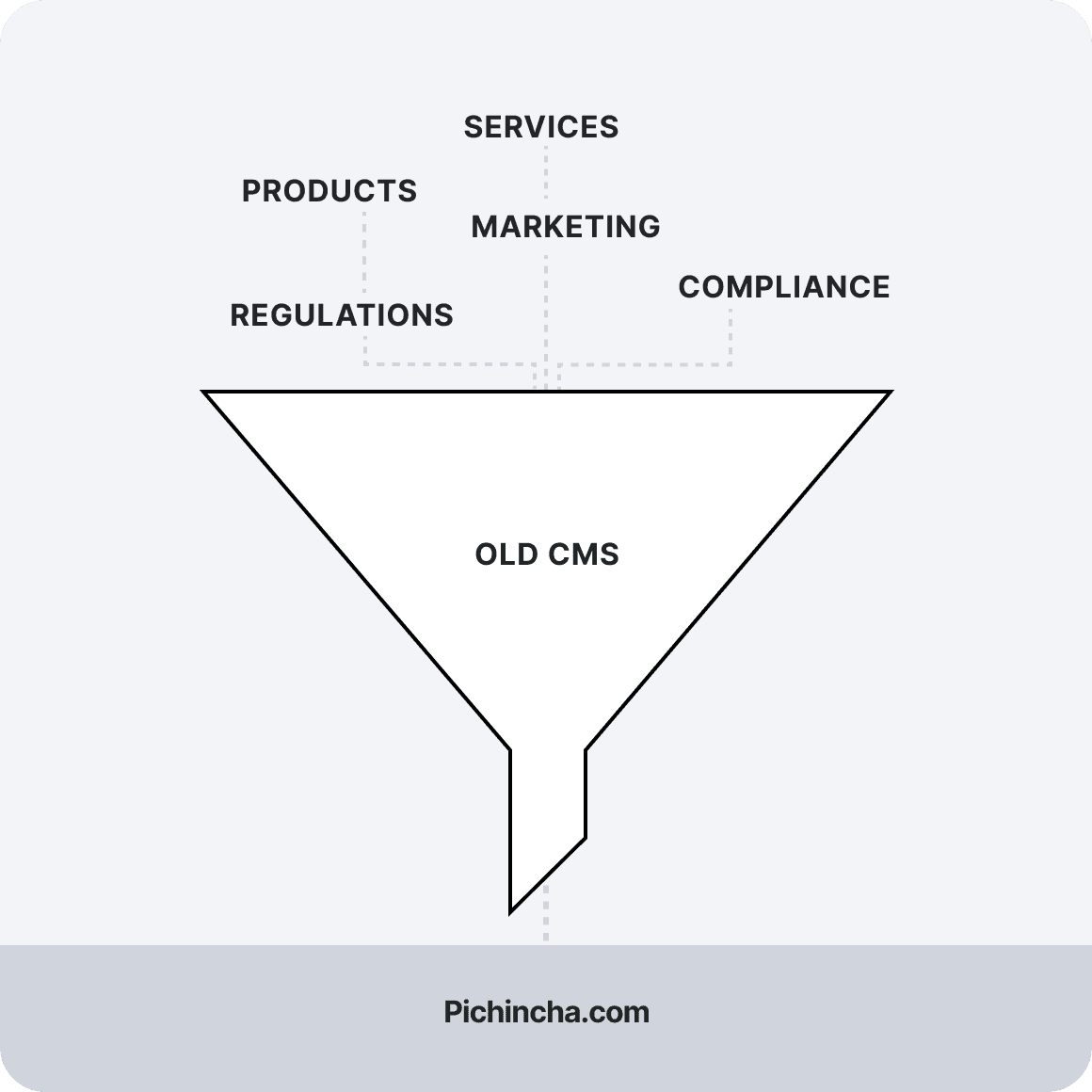
For many customers, the public website was the first place they went to understand products, compare options, or find the next step. But the site had become difficult to use because it had been built in pieces by different departments over time.
Users were not always struggling because the information was missing. In many cases, the information existed, but it was buried, duplicated, or written around internal priorities instead of user needs.
The CMS migration made the problem visible. If we migrated every page without changing the structure, the bank would keep the same usability problems and make them harder to fix later.
02. THE CHALLENGE
The main questions were:
Which pages were critical for users and the business?
Which pages were outdated, duplicated, or no longer useful?
How could we make the site more consistent without making every page feel rigid?
How could the new CMS support real publishing workflows after launch?
The challenge was balancing user clarity, business priorities, brand standards, stakeholder needs, and technical constraints at the same time.
03. MY APPROACH
We audited the site from both a user and business perspective.
500 pages
Analyzed using data
I worked with my UX partner to analyze the existing site using Google Analytics, internal dashboards, and custom funnels built with support from data engineers.
We ranked pages by traffic, business importance, and role in the customer journey. This helped us see where the site was working, where users were dropping off, and where important pages were underperforming despite their business value.
One of the clearest findings was that some high-priority pages were receiving far less traffic than expected. That pointed to a navigation and information architecture issue, not just a content issue.
We also used customer interviews to understand how people experienced the site.
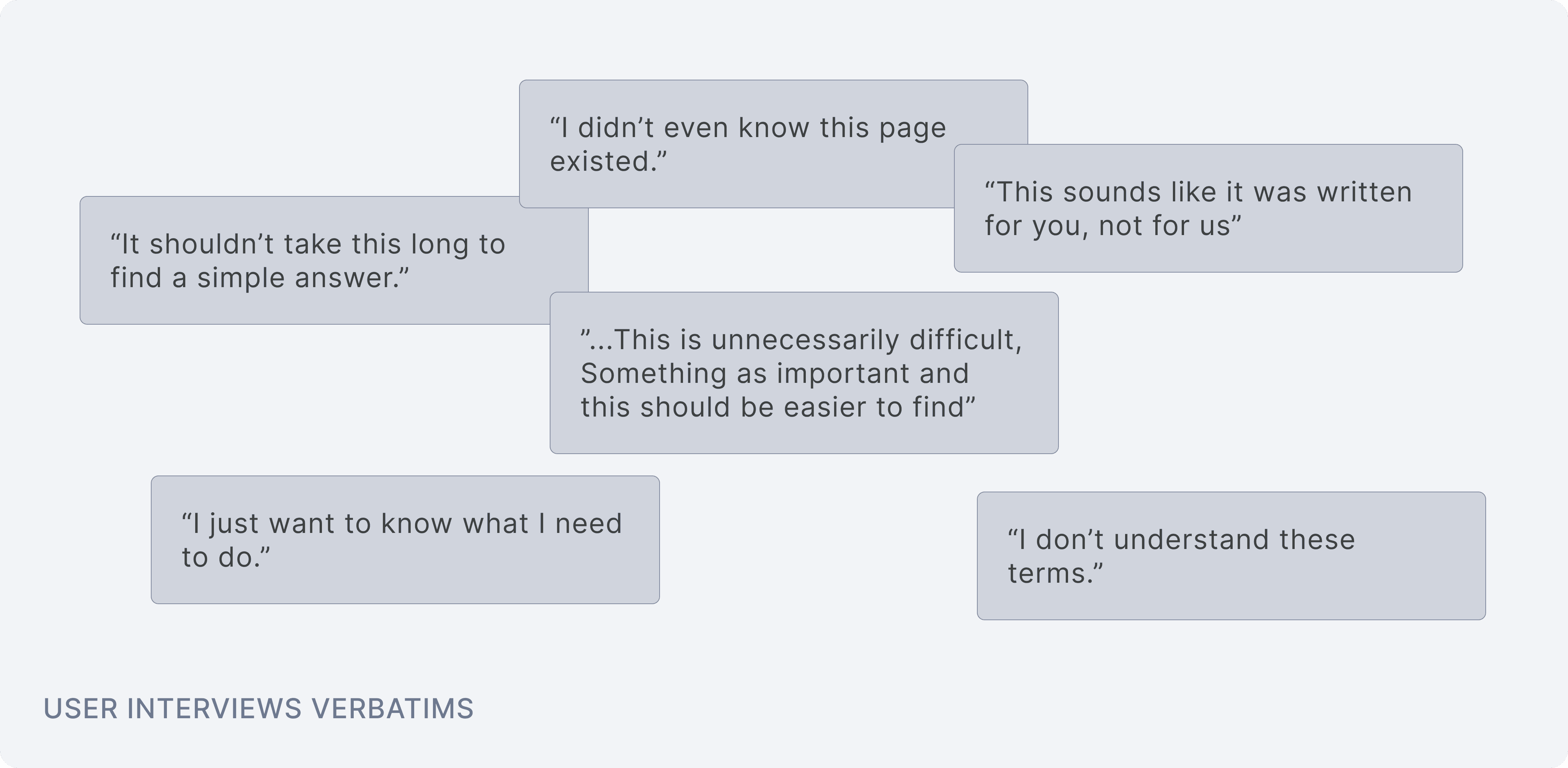
Across 20 customer interviews, we heard similar patterns. Users felt overwhelmed and often preferred calling instead of browsing. The issue was not only the amount of content. Much of the content was written to satisfy internal teams, not to help customers make decisions.
04. MY ROLE
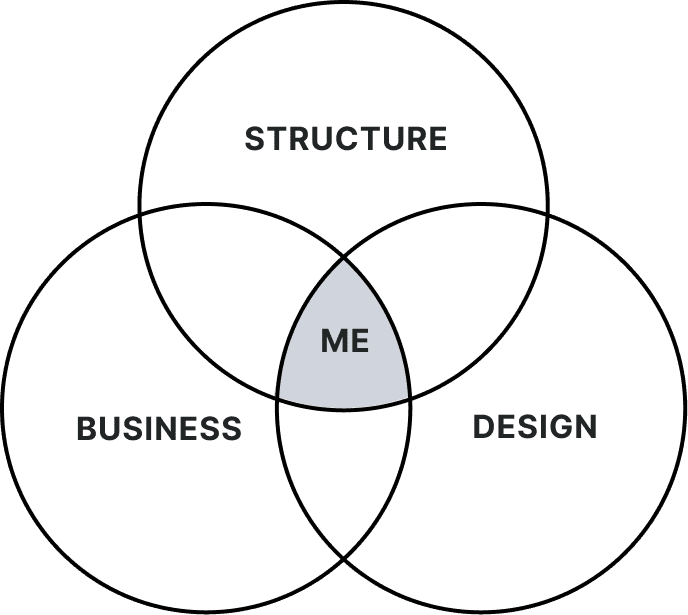
I worked at the intersection of structure, business needs, and design execution.
My responsibilities included:
Analyzing site data to understand page performance and user behavior
Defining the logic for the new information architecture
Designing the reusable CMS component system
Aligning brand, content, product, and engineering stakeholders
Creating uidelines so teams could use the system after launch
Because many departments owned different parts of the website, the design process needed constant alignment. I led recurring working sessions with brand and communications, product stakeholders, the external technical provider, and the internal technical team.
Those sessions helped us test early design directions against real content. They also helped me identify where teams needed flexibility, where the system needed stronger rules, and where custom requests would create long-term maintenance problems.
05. UI STRATEGY
The component system had to be flexible enough for teams, but strict enough to prevent fragmentation.
At first, many stakeholders wanted custom layouts for their own product pages. Even when they agreed with the idea of templates, they often asked for exceptions.
Components were designed to cover the needs of most pages.
Edge cases were handled separately when there was a real reason.
We avoided designing around every exception because that would recreate the same fragmented experience.
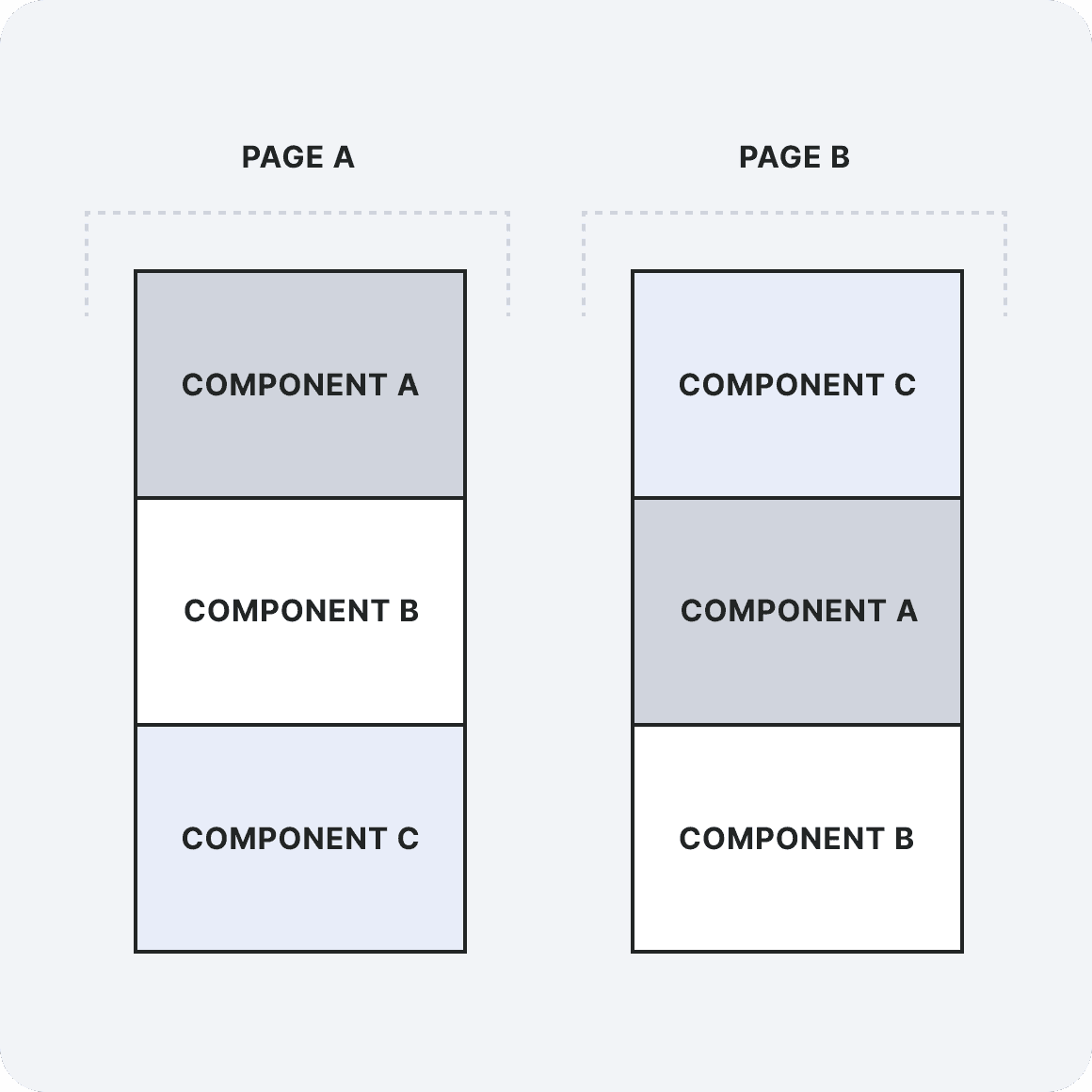
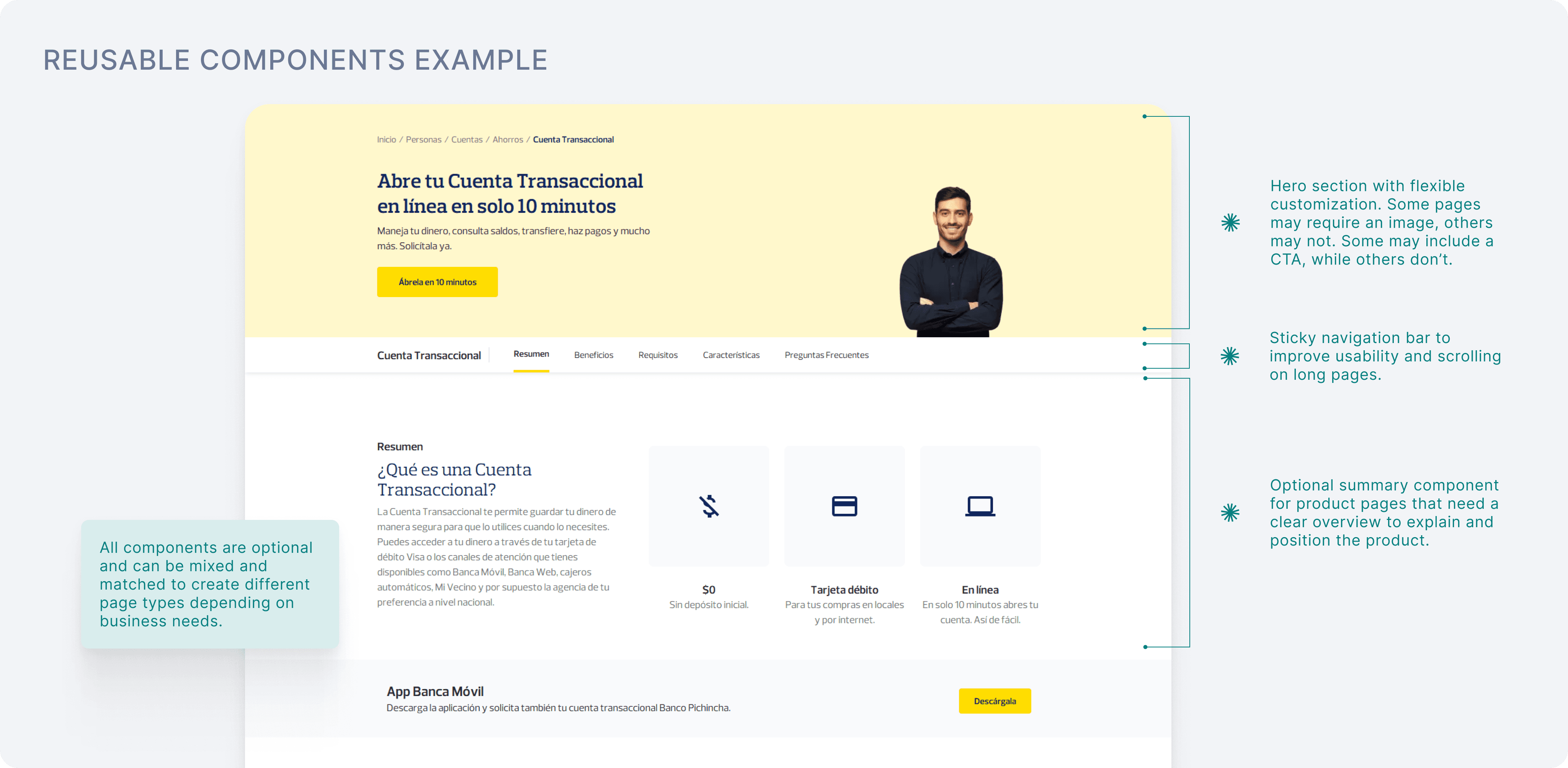
This gave teams enough flexibility to publish different types of content while keeping the overall website consistent.
06. KEY DECISIONS AND TRADEOFFS
1
Treat the migration as a chance to fix the structure
The CMS migration could have become a simple content transfer. Instead, we used it to question what should stay, what should be merged, and what needed a clearer path.
2
Use data to decide what deserved attention
With more than 500 pages, we could not redesign everything with the same level of effort. Analytics helped us prioritize the pages that mattered most, find underperforming content, and support decisions with evidence instead of internal preference.
3
Standardize around one master structure
We moved away from every team creating pages in their own way. The new model used one master page structure supported by flexible components. That meant giving up some visual variety, but the tradeoff was worth it: clearer navigation, more consistent pages, and a system that could be maintained over time.
4
Design for the people publishing the content
The component system was not only for users visiting the website. It also helped internal teams understand what content they needed to provide, where it belonged, and how each page should be assembled.
07. WHAT CHANGED
User side
The website became easier to navigate because priority pages had clearer paths and page layouts became more consistent. Users could reach important information with fewer steps, and the overall experience felt less fragmented. After launch, bounce rate dropped by 12%.
Business side
The redesign reduced duplicated and outdated content, standardized product pages through reusable CMS components, and gave teams a clearer governance model for future publishing.
The result was not just a cleaner website. It was a more sustainable way to manage a large public site across many departments.
08. WHY THIS CASE MATTERS
The value came from identifying the real issue behind the brief, using data to focus the work, aligning teams with different priorities, and designing a system that could scale beyond launch.
It also reflects the kind of work I enjoy most: making complex digital experiences easier to understand, easier to use, and easier for teams to maintain.